

Your best shot at your best job.
The single reference for anyone making something for Apply Wingman: social, newsletters, blog headers, signatures, the site. Every asset here is in the repo under /brandkit.
Five colourways, one lockup
The wordmark and the Wingman figure are the logo together. Choose the colour that carries best on your background.




The five brand colours
In product, the Daybreak night-and-dawn palette carries the UI; links and accents on light surfaces use champagne #a8854a.
App icons and favicons
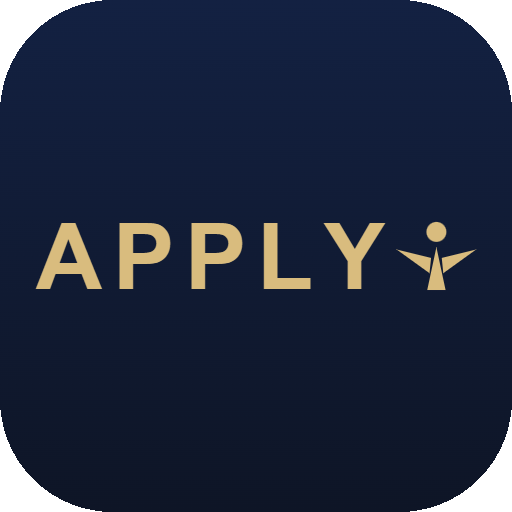


The navy app icon is the site favicon and the home-screen icon.
Ready-made banners
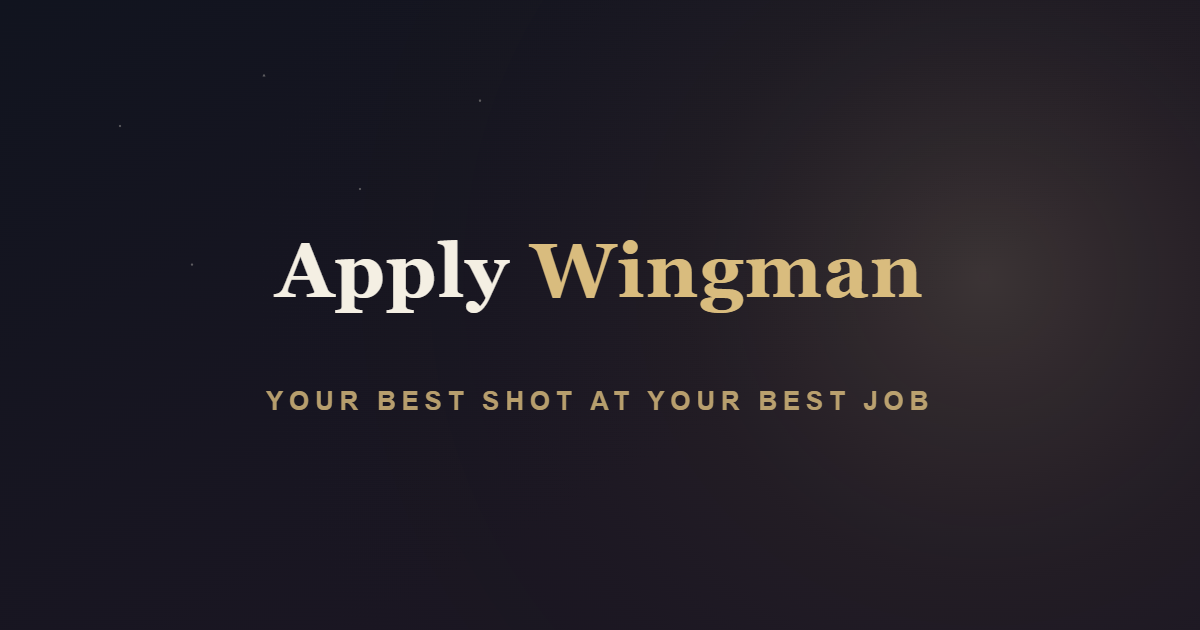
Every banner ships in all five colourways under /brandkit/social: LinkedIn, X, Open Graph, Instagram post and story, Facebook, YouTube.

Do
- ✓Use the wordmark APPLY with the Wingman figure locked to its right, centred on the cap line.
- ✓Keep clear space around the logo equal to the height of the A.
- ✓Pick the colourway that carries best on your background, from the five provided.
- ✓Set the name in the premium serif on banners; use the tagline beneath it.
Don't
- ✕Never use the Wingman figure alone, or place it below or away from APPLY.
- ✕Never stretch, rotate, or recolour the logo outside the five options.
- ✕Never shrink the logo into a corner; let it fill its frame.
- ✕Never make a claim the product cannot stand behind; honesty is the brand.
Download
Artwork is original and owned by Apply Wingman. The name still needs a formal trademark clearance search and attorney opinion before filing; see the usage note.